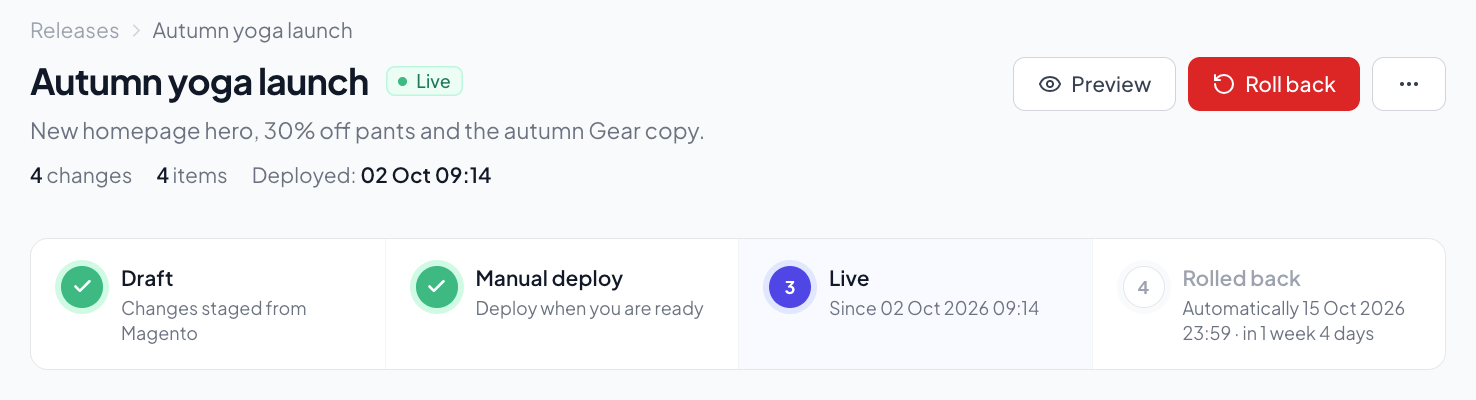
Group your CMS pages and blocks into releases. Preview everything together, then deploy with one click.
Free to use. No account limits.
How it works
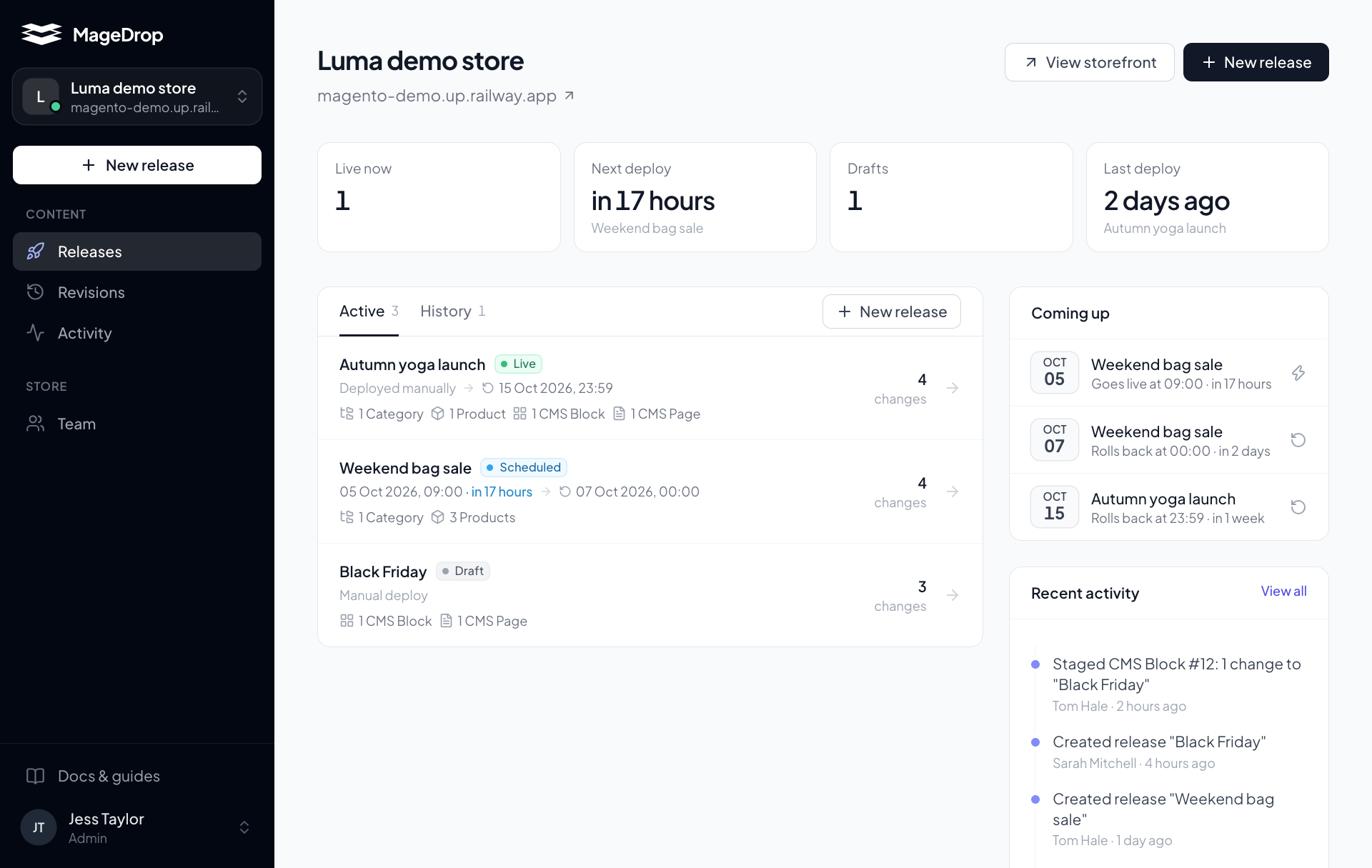
Group related changes together — a sale, a rebrand, a homepage refresh.
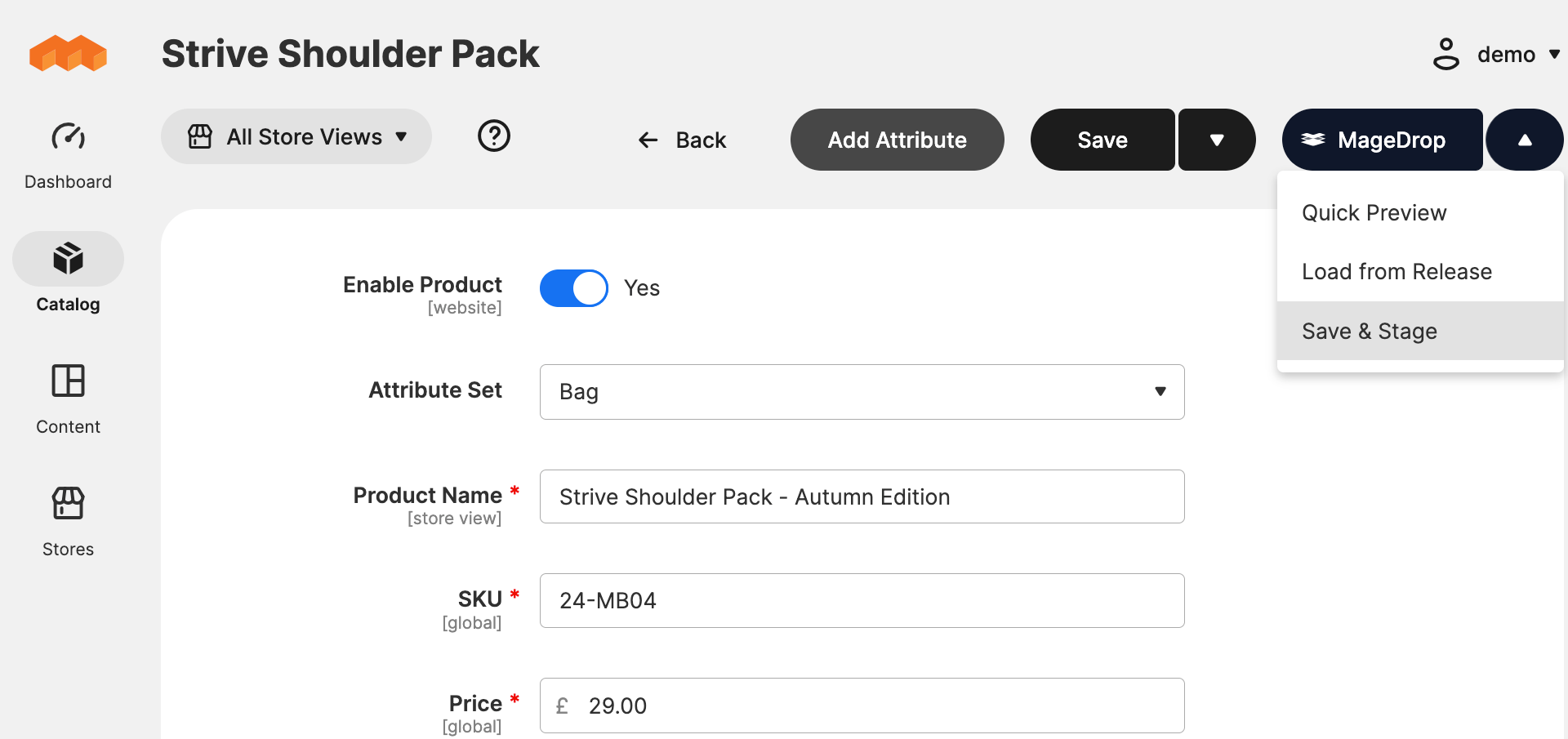
Edit in Magento admin as normal. Click "Stage to Release" instead of Save.
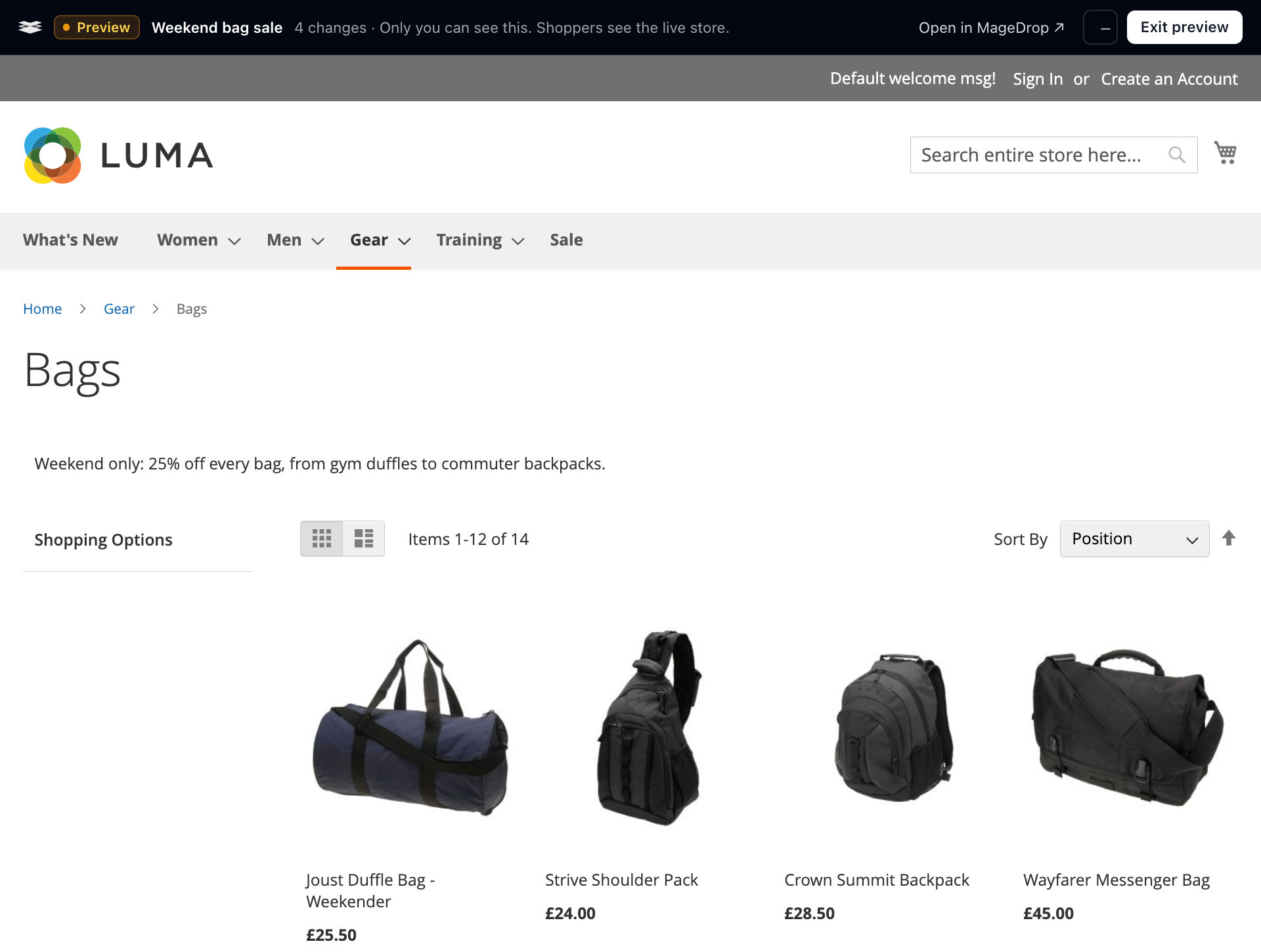
See all changes live on the frontend. Share preview links with your team.
Push live instantly or schedule for later. One-click rollback if needed.
Features
Edit CMS pages and blocks in the Magento admin you already know. Instead of clicking Save, click "Stage to Release" — your changes are captured without affecting the live store.
Preview all your staged changes on the actual frontend — your real theme, your real data. A purple bar at the top reminds you you're in preview mode. Only you can see it.
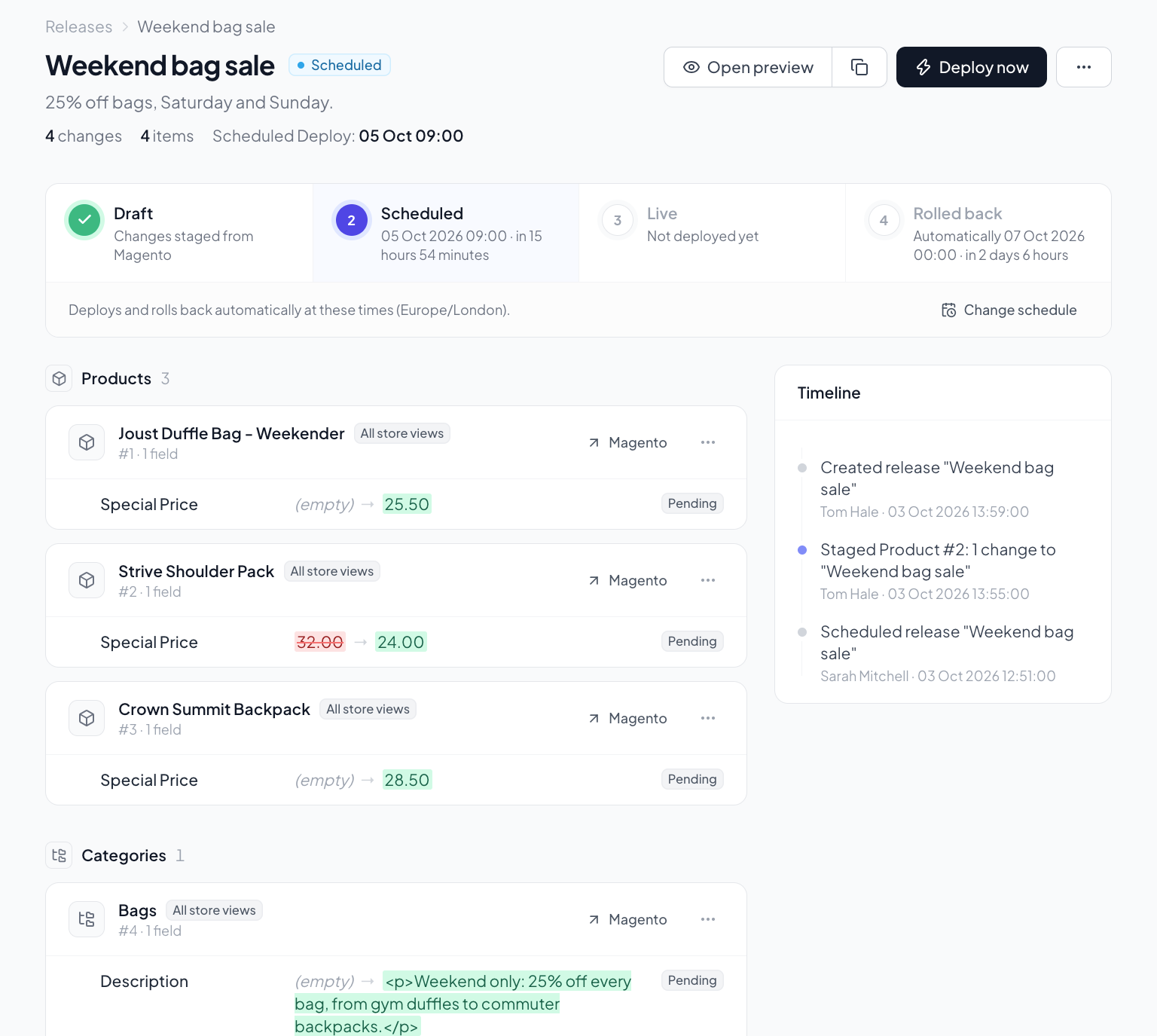
When you're ready, hit deploy. All your staged changes — pages and blocks — go live together. No more deploying one thing at a time and hoping nothing breaks in between.
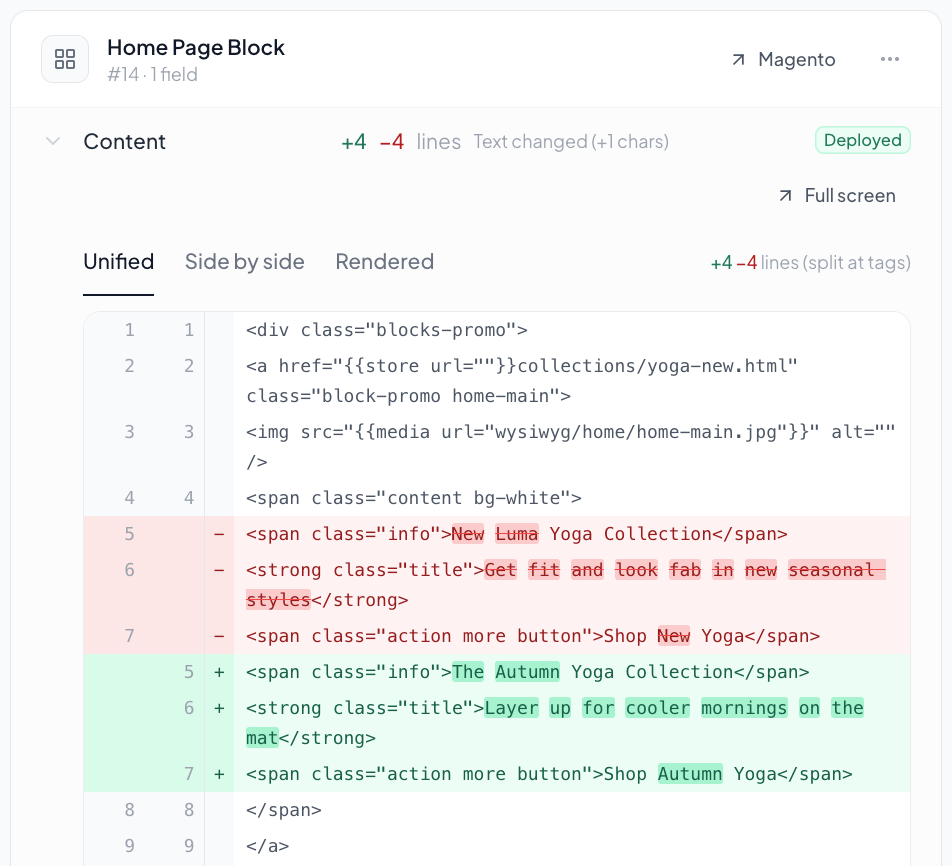
Click any staged change to see a side-by-side or inline diff. See exactly which lines were added or removed in your CMS content.
Short-lived preview tokens, encrypted API credentials, no store data stored on our servers.
The Magento companion module is under 20 files. No database tables, no cron jobs, no bloat.
Connect multiple Magento stores from one dashboard. Perfect for agencies managing multiple clients.
Set a date and time — your release goes live automatically. Set an end date for auto-rollback.
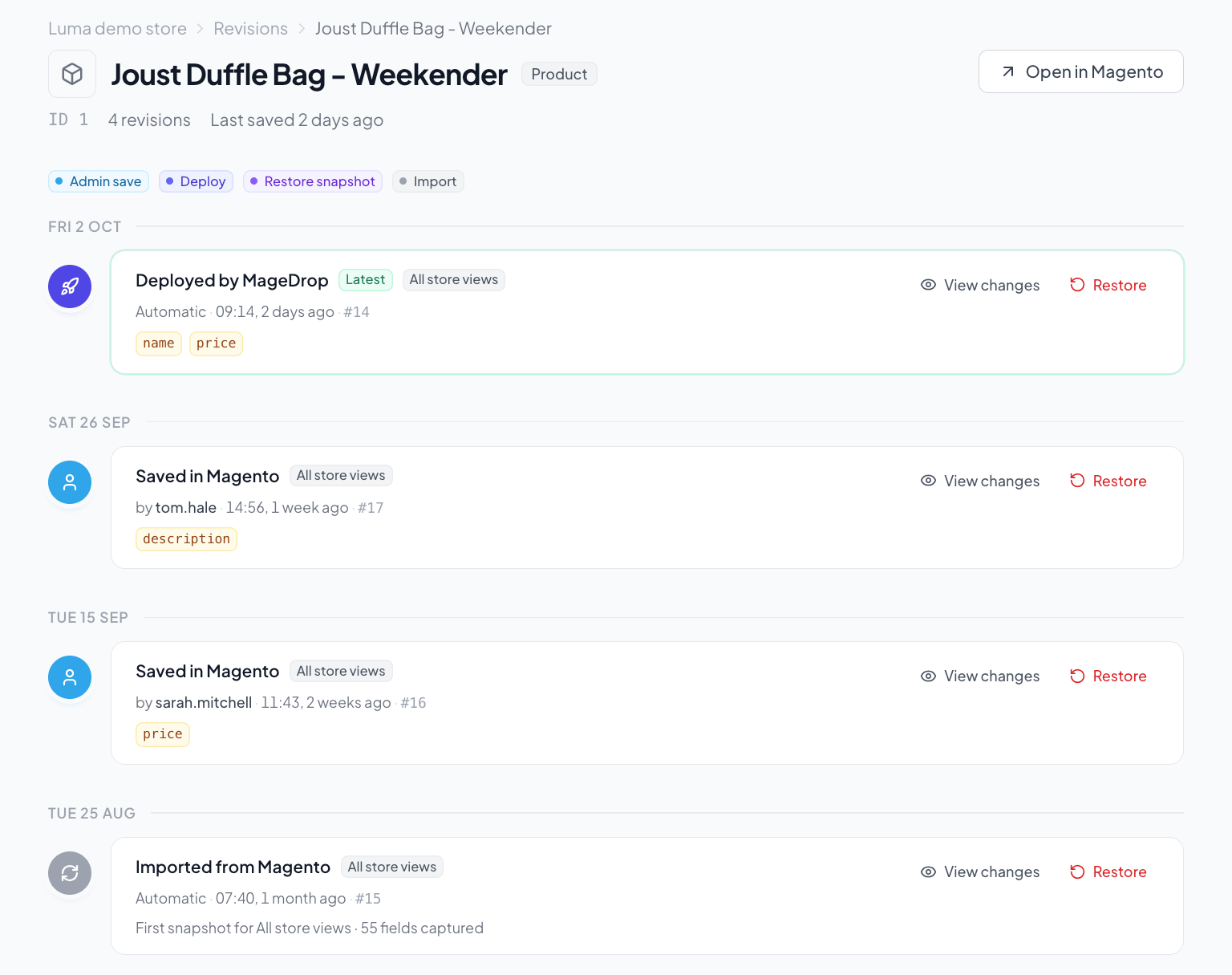
Full timeline of every release — when it was created, deployed, and rolled back.
Made by a Magento agency who needed this tool. We use it ourselves, every day.
Why MageDrop
Adobe Commerce has built-in staging, but it's tied to their enterprise licence and comes with significant trade-offs. MageDrop takes a different approach.
You don't need Adobe Commerce. MageDrop works with Magento Open Source, giving every store access to content staging and coordinated releases.
Adobe's staging duplicates rows in your database for every staged change. MageDrop stores deltas externally — your database stays clean, your store stays fast.
Edit your content in Magento's admin — Page Builder and everything you already use. MageDrop adds a button, not a new workflow.
Generate a preview link anyone can open — share with your team, your client, or your manager for sign-off before deploying.
Our documentation covers everything — from installation to your first deploy.
Read the DocsGroup them into releases, preview together, deploy together. The way it should be.
Get Started Free